How to create YOUR TRAIWAS Account
How to Create Your Traiwas Account
Select LOGIN from the top-right menu.
In the sidebar, click Login.
Click Create account, then follow the on-screen steps:
Enter your first name and last name
Provide an email address
Create a strong password
This email will be your primary sign-in email for your Traiwas Account.
Click Create account. Once completed, you’ll be redirected to your account settings page.
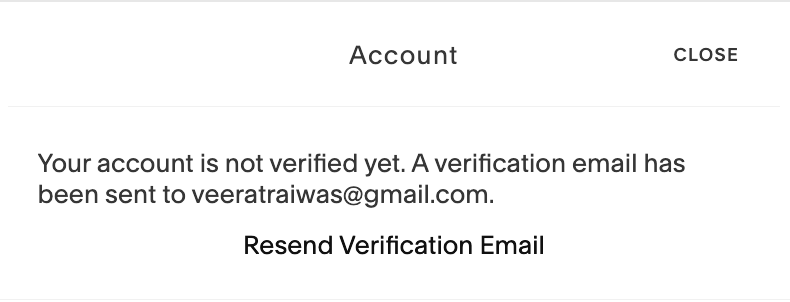
To activate your account, you must verify your email address.
You’ll see a notice in the top-right corner:“Your account is not verified yet. A verification email has been sent to [your email address].”
Open the verification email and click Verify your account.
Once verified, the notice will disappear from your account area.
After verification, you can sign in to your Traiwas Account with the email and password you entered to explore our website, shop, and read exclusive articles by TRAIWAS.